
UV Printer Workflows Built for High-Mix, Low-Volume Orders
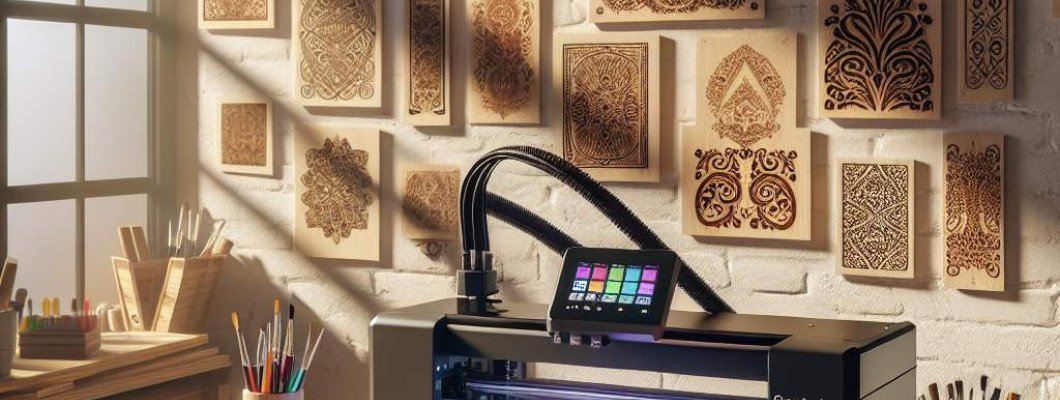
Are You Struggling to Manage High-Mix, Low-Volume Printing Orders?
When you're juggling multiple custom projects with tight deadlines, is your current printing workflow holding you back? Do complex orders often lead to delays, errors, or subpar quality? If so, you're not alone. Many businesses find that traditional printing setups aren't optimized for the unique demands of high-mix, low-volume production. That"s where carefully designed UV printer workflows come into play—empowering you to handle diverse jobs efficiently while maintaining top quality.
Imagine chatting with a fellow print shop owner who just switched to a UV printer optimized for flexible workflows. They shared how their ability to quickly switch between different designs and materials transformed their business, allowing them to take on more clients without sacrificing quality or speed. This real-world example illustrates how the right workflow built specifically for high-mix, low-volume orders can elevate your operations and boost profitability.
Understanding UV Printer Workflows for High-Mix, Low-Volume Orders
At the core, a *UV printing workflow* involves the sequence of steps—from file preparation to final curing—that enables efficient, accurate production. For high-mix, low-volume scenarios, the focus must be on flexibility, minimal setup times, and minimal waste. Unlike high-volume mass production, where the same job repeats many times, your workflow needs to accommodate numerous custom projects with different specifications.
Building a workflow that genuinely supports this environment requires understanding the specific demands of UV printing technology and how to adapt your processes accordingly. The goal: create a system that ensures every job is handled quickly, accurately, and with consistent quality—even if every project is different from the last.
Core Components of a High-Mix, Low-Volume UV Printing Workflow
To manage diverse jobs seamlessly, consider these critical components:
- Pre-Press Preparation: Ensuring files are optimized for UV printing—checking resolutions, color profiles, and file formats—reduces errors and setup time.
- Material Compatibility & Handling: Using versatile substrates that support UV curing, such as plastics, glass, and metals, allows more flexibility. Proper handling minimizes damage and waste.
- Printer Setup & Calibration: Quick and precise calibration routines reduce downtime. Using automated bed leveling and color management ensures consistent results across jobs.
- Print Job Management Software: Investing in management software that tracks job parameters, settings, and progress simplifies switching between clients and projects.
- Post-Processing & Finishing: Efficient curing and finishing processes—like trimming or coating—are vital for meeting delivery deadlines and quality standards.
Tips for Optimizing UV Printer Workflows for High-Mix, Low-Volume Printing
Streamlining your workflow involves several strategic steps:
- Automate Setup Procedures: Use software and hardware features such as automated bed registration and preset job settings to cut down on manual adjustments.
- Batch Similar Jobs: Group jobs with similar substrates or printing parameters to minimize changeover times.
- Maintain Equipment Regularly: Routine maintenance reduces unexpected downtime and maintains print quality. Keep UV lamps, circuits, and print heads clean and calibrated.
- Use Versatile Ink & Substrates: Having a broad range of UV inks suitable for various materials allows rapid adaptation for different jobs.
- Invest in Training: Skilled operators who understand the nuances of UV printing workflows can troubleshoot quickly and optimize production speeds.
For example, a small custom gift manufacturer switched to an integrated workflow using a UV printer designed for flexibility. By automating much of the setup and employing management software, they drastically reduced changeover times. As a result, they could deliver a broader range of personalized products faster, increasing customer satisfaction and opening new market opportunities.
Choosing the Right Equipment to Support Your Workflow
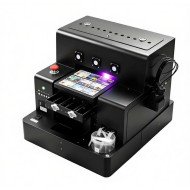
Your equipment choices directly impact your workflow efficiency. Devices like the Spot UV Printing Machine are engineered for quick changeovers, precision, and compatibility with multiple materials—making them ideal for high-mix, low-volume jobs. Investing in the right machinery allows you to execute complex designs and coatings seamlessly, minimizing manual interventions and reducing errors.
Tips for Implementation and Continuous Improvement
- Start Small: Pilot your new workflow on select jobs before scaling up. Gather feedback to identify bottlenecks or areas for improvement.
- Monitor Performance Metrics: Track job turnaround times, waste levels, and quality consistency to refine your process.
- Stay Updated on Technology Trends: UV printing technology evolves constantly. Regularly explore new tools, inks, and software to stay ahead.
- Engage with the Community: Join forums, webinars, or industry groups to learn best practices and troubleshoot common challenges.
By building a tailored UV printer workflow focused on efficiency and flexibility, you create a competitive edge. Managing high-mix, low-volume orders becomes a streamlined process—delivering consistent quality on diverse projects while keeping costs under control.
Remember, the key to success lies in choosing appropriate equipment like the Spot UV Printing Machine, optimizing pre-press procedures, and maintaining a mindset of continuous improvement. Whether you're printing on plastics, glass, or metal, customizing your workflow will help you grow your business without sacrificing speed or quality.
Frequently Asked Questions
1. How does UV printing differ from traditional inkjet printing?
UV printing cures ink instantly with ultraviolet light, enabling printing on a wider variety of substrates, including non-porous surfaces like glass and metal. It typically offers sharper images and better adhesion, especially for small or detailed designs.
2. What makes a UV printing workflow suitable for high-mix, low-volume orders?
It emphasizes flexibility, fast changeovers, minimal setup, and compatible equipment. These aspects allow handling diverse jobs efficiently without the need for costly or time-consuming adjustments.
3. Can I use the same UV printer for different materials?
Yes, if your printer supports versatile UV inks and has adjustable parameters. Proper substrate handling and suitable inks are crucial for achieving high-quality results across various materials.
4. How do I ensure consistent quality when switching between jobs?
Regular calibration, using job templates, and automated setup features help maintain consistent prints. Ongoing operator training also minimizes errors.
5. What are the main benefits of investing in a dedicated UV printing workflow?
Increased flexibility, reduced setup times, improved accuracy, and ability to produce complex, high-quality prints on diverse substrates—all crucial for thriving in high-mix, low-volume markets.











Leave a Comment