
Exploring the Innovative World of UV Printers and Their Impact on Custom Printing
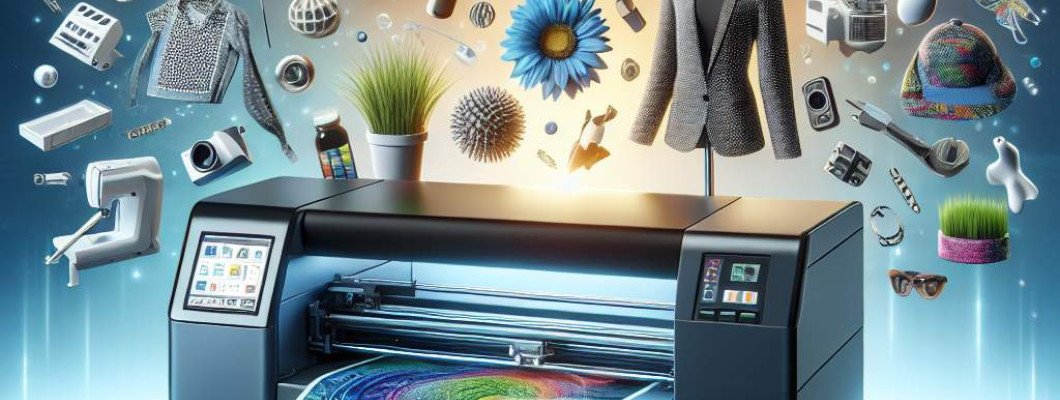
Struggling to make your prints stand out in a saturated market?
If you're involved in printing or customizing products, you might have heard about UV printers recently. But what makes them so special? More importantly, how can they help you elevate your business? I"ve been exploring this tech closely, and I want to share what I"ve learned about the UV printer and its game-changing potential. Whether you're a small shop or a large manufacturer, understanding UV printing can unlock new possibilities for your brand.
What Is a UV Printer and Why Should You Care?
Breaking down the UV printing process
A UV printer uses ultraviolet light to instantly dry or cure ink as it"s being printed. Think of it like a rapid-set glue—except it's for high-quality images and designs. This curing process creates vibrant, durable, and even textured prints on a wide variety of surfaces. Unlike traditional inkjet printers, UV printers bond the ink directly onto surfaces, making prints resistant to scratches, water, and fading. That"s why many industries now prefer UV over conventional printing methods.
Why are UV printers gaining ground?
- **Versatility**: Print on wood, glass, metal, plastic, and even leather.
- **Speed**: Instant drying means faster turnaround times.
- **Quality**: Sharp, vibrant images with premium finishing possible.
- **Customization**: Ideal for personalized items, promotional products, and complex designs.
Imagine chatting with a friend who runs a gift shop. They started using a UV printer to customize mugs, phone cases, and wooden keychains. Their clients loved the options and quality. They could see how UV printing opened new revenue streams without investing in multiple specialized machines. This is the kind of opportunity a UV printer offers.
Major Benefits of Using a UV Printer in Your Business
Unlimited surface compatibility
Where traditional printers might struggle or require special inks, UV printers can print on almost anything. This includes uneven, curved, or textured surfaces, opening new creative avenues.
This ability means you can diversify your product line easily and serve diverse customer needs with a single machine.
Exceptional durability and finish
The cured ink resists scratches, water, UV rays, and chemicals. This makes your products last longer and keeps their appearance pristine. Plus, UV printers produce high-gloss, vibrant images that can stand out in retail settings.
Cost efficiency and fast production
While the initial investment might seem high, UV printers reduce the need for multiple equipment or post-processing steps. Their rapid drying process shortens production cycles, boosting throughput and profit margins.
If you're a small business, this means quicker orders and happier clients—your reputation for fast, quality work gets a boost.
How to Choose the Right UV Printer for Your Needs
Assess your surface requirements
- Need to print on flat surfaces like paper or canvas? Basic UV flatbed printers may suffice.
- Require printing on thicker or irregular objects? Look for models with adjustable height or rotary capabilities.
Consider print quality and speed
If you want highly detailed images, check the resolution specs. For high-volume production, prioritize models with faster printing speeds.
Software and user-friendliness
Some UV printers come with advanced software that simplifies design setup. If you"re new to UV printing, choosing an intuitive interface accelerates learning.
Budget and expansion plans
Set a realistic budget and consider future growth. Investing in a scalable or multi-purpose machine might save money long-term.
Real-World Applications and Success Stories
Many users have transformed their businesses with UV printing. For instance, a promotional products company began offering customized souvenirs printed directly onto metals and plastics. They gained a competitive edge by providing high-quality, durable prints that traditional printers couldn"t handle. Within months, their orders doubled.
Another example: a jewelry maker used UV printing to create intricate designs on accessories, offering personalized options that attract premium clients. This flexibility and quality give UV printers their edge in creative markets.
Where to Find a Reliable UV Printer?
If you"re ready to step into the future of printing, check out options like this Spot UV Printing Machine. Many brands offer models tailored for different budgets and needs. Just ensure they have good after-sales support and reliable technology. It"s better to invest in a machine that"s built to last and easy to operate.
Frequently Asked Questions (FAQs)
1. How does UV printing differ from traditional inkjet printing?
UV printing uses UV light to instantly cure ink onto surfaces, creating more durable and vibrant images. Traditional inkjets rely on drying through evaporation, which can be slower and less resilient.
2. Can UV printers print on curved or irregular objects?
Yes, many UV printers can handle irregular surfaces, especially those with adjustable heights or rotary attachments designed for cylindrical objects.
3. Is UV printing environmentally friendly?
UV printing produces less VOC emissions and waste compared to solvent-based inks. Plus, since it reduces post-processing, it"s often more eco-conscious.
4. What"s the typical maintenance required for a UV printer?
Regular cleaning of printheads and curing lamps is essential. Also, keeping the ink cartridges topped up and ensuring the machine"s moving parts are lubricated will extend its lifespan.
5. How expensive is a UV printer?
Costs vary widely—from entry-level models around $10,000 to high-end units exceeding $100,000. Consider your volume, surface needs, and budget before choosing the right one.
As you can see, a UV printer is a powerful asset for anyone looking to expand their printing capabilities. Whether it"s vibrant graphics on promotional items or durable custom designs, this technology can make a difference. If you want to explore a reliable model, check out this UV coating printer and see how it can fit into your workflow.



















Leave a Comment