
DTG Printer Output Consistency Challenges and How Businesses Solve Them
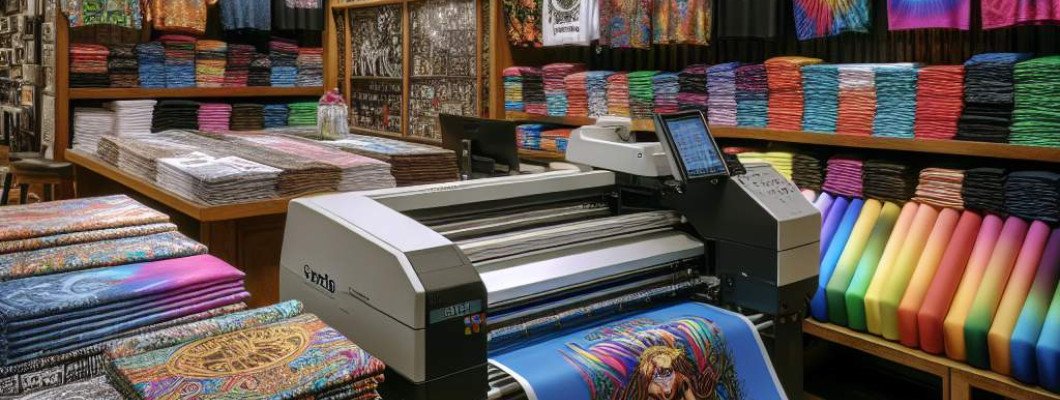
Are you struggling to get your DTG prints consistently high in quality? Do you find that your garments sometimes come out with uneven colors, ghosting, or unexpected streaks? If so, you're not alone. Many businesses face these output consistency challenges, which can harm customer satisfaction and impact your brand reputation. The good news is, understanding the common issues and solutions can help you achieve reliable, professional results every time. Mastering DTG printer output consistency is essential for every business aiming to stand out in the textile printing industry.
Understanding Why DTG Output Can Be Unpredictable
DTG (Direct-to-Garment) printing is revolutionary, allowing for detailed, vibrant designs directly onto fabrics. However, like all complex machinery, it can sometimes produce inconsistent results. Several factors contribute to this variability:
- Printer Calibration and Maintenance: Over time, print heads, ink flow, and other components can become misaligned or clogged.
- Ink Quality and Storage: Using low-quality ink or storing it improperly can affect color consistency and adhesion.
- Paper and Garment Material: Different fabric types and pre-treatment quality influence how ink reacts and dries.
- Environmental Conditions: Temperature and humidity affect ink drying times and print stability.
For example, imagine chatting with a friend who runs a small apparel brand. She once noticed that her prints on polyester shirts would sometimes appear faded or uneven, even though she used the same settings. It turned out her printer needed a professional cleaning, and her ink storage was vulnerable to humidity. Small issues like these can cause big inconsistencies.
Common Challenges in Achieving Consistent DTG Prints
Despite advanced technology, several typical hurdles can hinder output consistency:
- Color Variations: Variability in ink mixing or drying leads to shades that don't match the design or previous prints.
- Uneven Ink Application: Some sections appear darker or lighter, often caused by misaligned print heads or inconsistent pressure.
- Ghosting and Blurring: Faint outlines or blurry images due to improper pre-treatment or printer settings.
- Streaks or Banding: Horizontal or vertical lines caused by clogged nozzles or inconsistent ink flow.
- Poor Adhesion and Durability: Prints that fade or crack quickly may have issues with fabric pre-treatment or ink compatibility.
Solutions for Improving Output Consistency
Addressing these challenges involves a mix of routine maintenance, process optimization, and technical adjustments. Here"s a breakdown of proven strategies:
1. Regular Printer Maintenance
- Perform scheduled cleaning of print heads to prevent clogging.
- Calibrate your printer regularly to ensure alignment and color accuracy.
- Replace wiper blades and capping stations when worn.
2. Use High-Quality, Consistent Ink
- Choose reputable ink brands compatible with your printer model.
- Store ink in a controlled environment to prevent drying or contamination.
- Mix inks thoroughly before use to maintain color consistency.
3. Optimize Garment & Substrate Preparation
- Pre-treat garments uniformly using a calibrated spray system.
- Use fabrics with consistent fiber content and quality.
- Pre-press garments to remove moisture and wrinkles before printing.
4. Adjust Printer Settings for Each Material
- Set appropriate print heads and ink parameters depending on fabric type.
- Test and tweak curing times and temperatures for different textiles.
- Maintain a sample library to compare and refine your settings continually.
5. Control Environmental Conditions
- Operate printers in a controlled environment with stable temperature (~20-25°C) and humidity (40-60%).
- Avoid drafts, direct sunlight, or sudden temperature fluctuations during printing.
6. Implement Quality Control Measures
- Inspect each batch for color uniformity and adhesion quality.
- Take baseline test prints each day to check for deviations.
- Maintain detailed logs of printer settings and environmental conditions to troubleshoot issues quickly.
If you're serious about elevating your DTG printing, consider investing in a reliable, industry-grade printer like the A3 DTG Printer. Its advanced features ensure better control over output consistency and overall print quality.
Real-World Example: Turning Consistency Challenges into Business Wins
Sarah owns a custom apparel shop. Initially, she struggled with inconsistent results, especially when printing on different fabric types. Frustrated, she consulted with industry experts and adopted a comprehensive approach:
- Stored her inks properly, avoiding moisture exposure.
- Regularly cleaned and calibrated her printer.
- Standardized her pre-treatment procedure for all garments.
- Adjusted her print settings based on fabric samples.
Within weeks, her team noticed a dramatic improvement. The colors became consistent, and customer reviews praised the quality. The investment in maintenance and process control paid off, securing her reputation for reliable, high-quality prints.
FAQs About DTG Output Consistency
Q1: How often should I clean my DTG printer?
A: For optimal performance, clean your printer after every 50-100 prints or as recommended by the manufacturer. Regular cleaning prevents ink buildup and nozzle clogging.
Q2: Can fabric type affect print consistency?
A: Absolutely. Different fabrics absorb ink differently. It"s crucial to adjust pre-treatment and printer settings based on the textile you"re using.
Q3: Why do my prints sometimes have streaks or banding?
A: This often results from clogged nozzles, uneven ink flow, or misaligned print heads. Routine maintenance and calibration solve these issues.
Q4: How important is environmental control during printing?
A: Very important. Variations in temperature and humidity can cause ink drying issues, leading to inconsistent colors and adhesion problems.
Q5: What is the best way to troubleshoot inconsistent color output?
A: Check ink levels, ensure proper mixing, calibrate your printer, and examine environmental conditions. Conduct test prints regularly to identify deviations early.















Leave a Comment