
DTF Printing Complete Guide 2026: How It Works, Costs & Best Machines
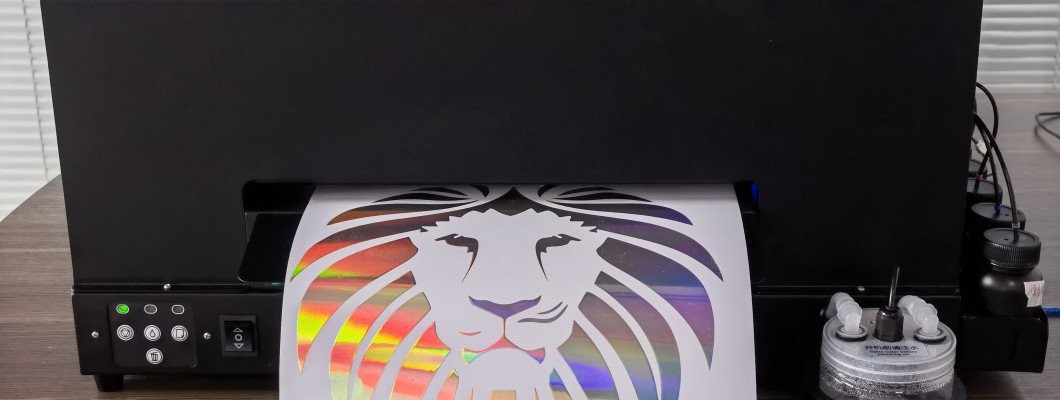
DTF Printing Complete Guide 2026
How Direct-to-Film Printing Works, Real Costs, DTF vs DTG vs Screen Printing & Best Machines for Every Budget
What Is DTF Printing?
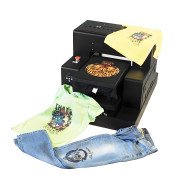
DTF (Direct-to-Film) is a two-stage garment decoration process. Designs are printed onto a special PET transfer film using CMYK and white ink. The film is then coated with hot melt adhesive powder, cured in an oven, and heat-pressed onto any fabric. The transfer bonds permanently to the fibers on every fabric type, every color, with no pretreatment required.
What makes DTF particularly compelling for print businesses is its separation of production and fulfillment. You can print large batches of transfers in advance, store them, and press them to garments throughout the week on demand - without a printer sitting idle while waiting for orders.
The DTF Process: Every Step Explained
Design Preparation
Prepare your design in Photoshop, Illustrator, or CorelDRAW. DTF prints on transparent film, so your RIP software adds the white ink underbase layer automatically. Export at 150-300 dpi as PNG with transparent background. The DTF RIP software separates the white and color layers for optimal print order.
Printing onto DTF Film
The design is printed in mirror (reverse) onto a PET transfer film. The printer deposits CMYK colors first, then a white ink underbase on top. This layered approach means the white ink becomes the contact layer when pressed face-down onto the garment - delivering maximum color opacity on dark fabrics with no pretreatment.
Applying DTF Powder
Immediately after printing (while the ink is still wet), hot melt adhesive powder is applied evenly over the printed surface. The powder sticks only to the inked areas. On automated roll-to-roll DTF systems, a powder shaker unit does this automatically with consistent, controlled coating weight.
Curing in the Oven
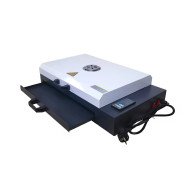
The film passes through a curing oven at approximately 120 degrees C for 2-3 minutes. The heat melts the adhesive powder into a smooth, continuous layer. Once cooled, the transfer can be stored for months without quality degradation - a major workflow advantage for batch production businesses.
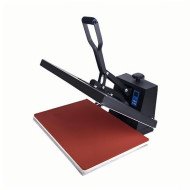
Heat Press Transfer
Place the cured transfer face-down on the garment and press at 160 degrees C for 15-20 seconds with firm pressure. The heat reactivates the adhesive and bonds the design to the fabric fibers. Remove the heat press and let cool 10-30 seconds (hot peel or cold peel, depending on your film type).
Peel and Finish
Peel the PET film away at a low, consistent angle. The design remains cleanly on the garment with a soft, slightly raised texture. A second light press (5 seconds with a silicone sheet) can improve wash durability and smooth the surface finish for premium results.
DTF vs DTG vs Screen Printing
| Factor | DTF | DTG | Screen Print |
|---|---|---|---|
| Fabric types | All fabrics | Best on cotton | Most fabrics |
| Minimum order | 1 piece | 1 piece | 24+ pieces |
| Setup cost | $0 | $0 | $30-80/color |
| Pretreatment | Never required | Dark garments only | Not required |
| White ink management | Easy (less clogging) | High maintenance risk | N/A |
What Can You Print with DTF?
GNFEI DTF Printer Lineup
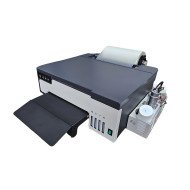
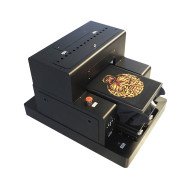
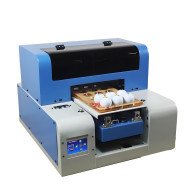
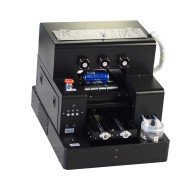
A3 Roll DTF Printer
30cm continuous roll - Industrial i3200 head - Integrated powder shaker option - Ideal for 20-80 transfers/day
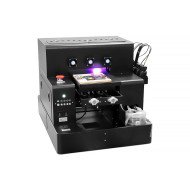
A1 Industrial DTF Printer (60cm)
Wide-format 60cm roll - Dual print heads - Integrated powder + curing system - 100-300+ transfers/day
Start Your DTF Printing Business Today
Factory-direct pricing - Worldwide shipping - Full technical support included with every machine
View All DTF Printers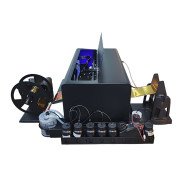
Leave a Comment