
Choosing a Card Printer That Matches Real Usage Scenarios and Workloads
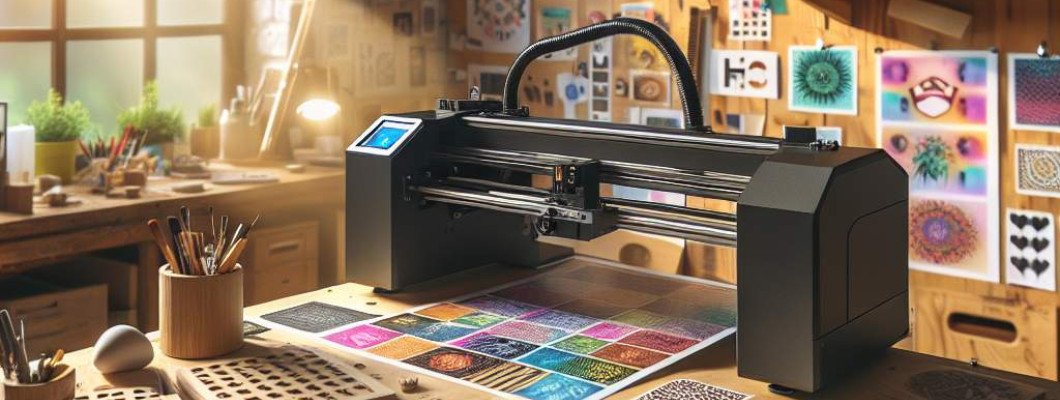
Struggling to find the right card printer that truly matches your specific usage needs? Whether you're running a small business, managing a large organization, or need specialized printing services, choosing the correct printer is crucial for efficiency, security, and quality. Many users face challenges because they overlook the nuances between different models and how they align with their workload. Understanding your actual requirements can save time, reduce costs, and ensure consistent, professional results.
When selecting a card printer, the first step is to analyze your typical usage scenarios. Do you need to print a few ID cards daily or thousands weekly? Are you prioritizing speed over color accuracy? Do you require secure printing features for confidential credentials? Noticing these needs will guide you toward the right device. For instance, a small business with low volume needs may opt for a compact, affordable model, while a large corporation handling frequent high-volume printing might need a robust, industrial-grade machine.
Understanding Real Usage Scenarios and Workloads
Every printing environment has its unique demands, and matching a card printer to these demands is key. Let"s explore some typical scenarios:
- Low-volume printing: Small offices or clubs might print less than 200 cards per month. They benefit from compact, easy-to-use printers with straightforward maintenance.
- High-volume deployment: Large enterprises or institutions requiring thousands of cards monthly need high-speed printers with large card hoppers, minimal downtime, and reliable operation.
- Security-sensitive printing: Organizations handling sensitive personal data, like government agencies or corporations, need machines with advanced security features—encrypted data transmission, secure card storage, and UV coating options.
- Customization and branding: If you frequently print customized cards with images, QR codes, or holograms, look for printers with high-resolution capabilities and versatile materials handling.
Matching Card Printers to Your Workload: Key Factors
Choosing the right card printer isn't just about brand or features; it's about matching capabilities to your specific workload. Here are the core factors to consider:
- Throughput and Speed: How many cards do you print daily or monthly? Ensure the printer can handle your volume without causing delays. High-speed models can print over 100 cards per hour, suitable for busy environments.
- Print Quality: Are you printing ID badges, loyalty cards, or event passes? High-resolution printing (600 dpi or higher) ensures crisp images, fine text, and vibrant colors.
- Card Capacity and Types: Does the printer support different card sizes, magnetic stripe encoding, or contactless chip integration? Larger feeders and flexible media handling streamline processes.
- Durability and Material Compatibility: Will you print on PVC, PET, or specialty materials? Some printers are versatile enough for various substrates, influencing the choice of equipment.
- Security Features: For sensitive data, look for printers with encrypted data transmission, secure card storage, and possibly UV coating for anti-counterfeiting.
Technology and Features to Look For
Modern card printers come with a suite of features that fit different needs:
- Single vs. Double-sided Printing: Double-sided printers save time and effort by printing on both sides of a card automatically, ideal for more detailed information or branding.
- Color vs. monochrome printing: Color printers offer vibrant images for premium cards; monochrome models are cost-effective for one-color logos or text.
- Encoding Capabilities: Magnetic stripe, contact, and contactless chip encoding are vital for access control or payment cards, adding functionality beyond just printing.
- UV Printing and Coating: UV features protect cards against wear and counterfeiting, especially useful for high-value or official IDs. Check out the Spot UV printing machine for premium finishes.
- Maintenance and Cost of Consumables: Consider how easy it is to replace ribbons, mats, and printer heads. Lower ongoing costs improve ROI over time.
Real-Life Example: Matching a Printer to Business Needs
Imagine Sarah runs a university"s ID office. Initially, she used a basic single-sided printer for low-volume printing. As campus events increased, her existing printer struggled to keep up and lacked security features. Recognizing the need for higher volume and secure printing, she upgraded to a dual-sided, high-speed model with advanced encoding. This change streamlined her workflow, improved card durability, and enhanced security—she could print hundreds of cards daily, confidently and efficiently.
Making an Informed Choice
Evaluating your needs thoroughly can prevent costly mistakes. Here are practical steps:
- Assess your workload: How many cards are you printing weekly/monthly? Is demand predictable or fluctuating?
- List essential features: Security, customization, speed, material compatibility.
- Set a budget: Balance cost with features to ensure long-term value.
- Research models: Read reviews, consult vendors, compare specs against your checklist.
- Test before buying: Whenever possible, trial the machine to evaluate performance with your specific cards and design needs.
Choosing a card printer that matches your real usage scenarios and workloads is no longer a mystery. clarity of your needs, understanding of core features, and careful research empower you to make the right investment. Remember, the perfect printer not only meets but exceeds your operational demands, providing reliability, security, and quality at every turn.
FAQs
- What factors should I consider when choosing a card printer for my business?
- Focus on volume capacity, print quality, security features, media compatibility, and ease of maintenance to match your workload and needs.
- Can a single card printer handle both standard and special materials?
- Some printers are versatile enough to print on various materials like PVC, PET, or even specialty cards. Check the specifications before purchasing.
- How important is security in selecting a card printer?
- Very important if you handle sensitive personal or financial data. Features like encrypted data transmission and secure card storage can prevent counterfeiting and data breaches.
- Is it better to buy a high-speed printer upfront or upgrade later?
- If you anticipate increasing demand, investing in a high-speed model early on can save time, reduce downtime, and accommodate future growth efficiently.
- What maintenance is required for a typical card printer?
- Regular cleaning, replacing consumables like ribbons and cleaning cards, and timely service checks ensure optimal performance and longevity.



















Leave a Comment